Solution
Classroom Documentation
Teachers are expected to remember behavior, participation and support details for every student, often weeks after the fact.
Why it matters
When documentation lives in memory, notebooks and scattered spreadsheets, conferences, referrals and support meetings rely on recollection instead of evidence.
How EduSphere helps
TrackStudents lets teachers and assigned staff record academic, engagement, behavior, support and positive entries in seconds during class, then review them as timelines and reports.
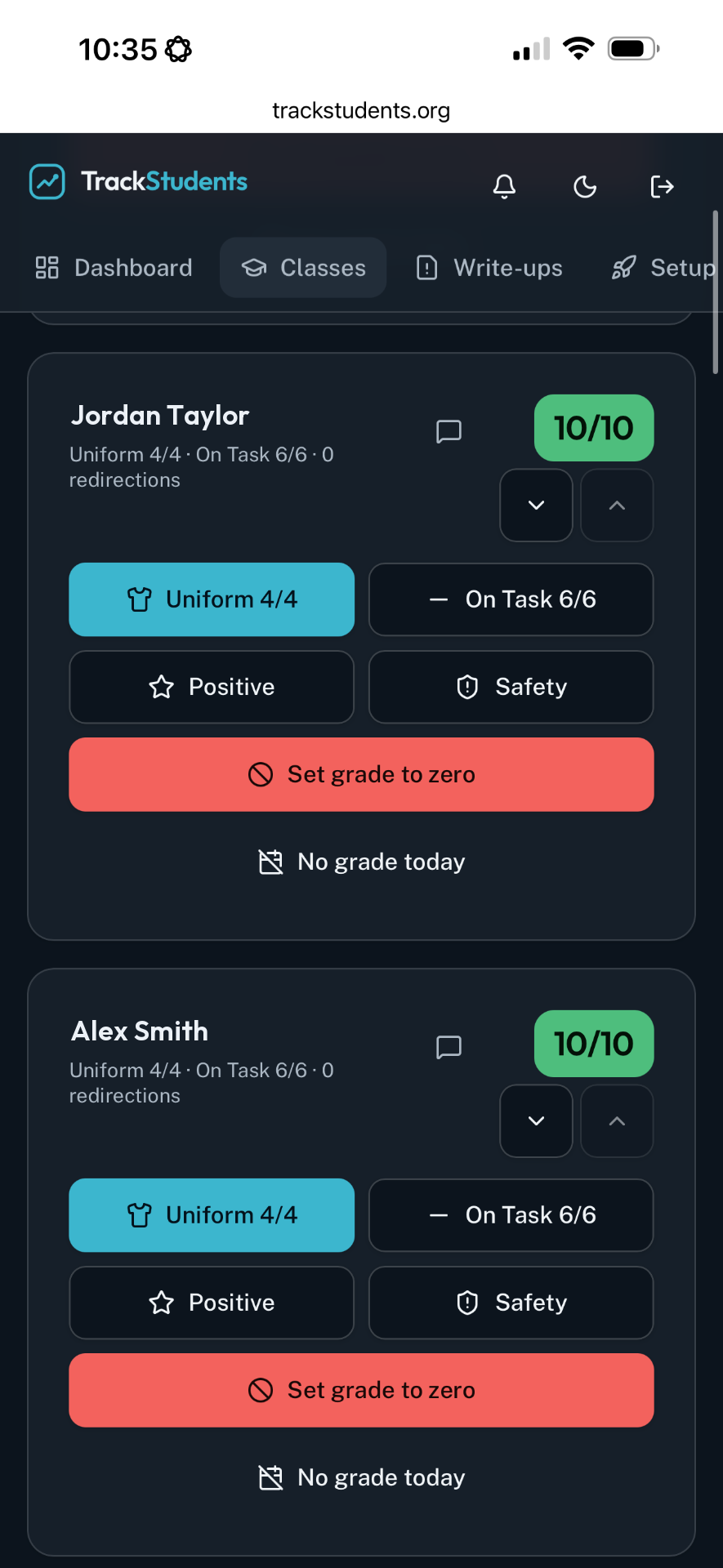
Example school workflow
Example: a high school teacher (fictional)
- 1.Opens the class roster at the start of the period.
- 2.Logs a positive entry for Jane Doe and a redirection for John Doe in a few taps.
- 3.Reviews Alex Smith's six-week timeline before a parent conference.
- 4.Exports a date-range report for the support team meeting.
Illustration only. Names are fictional.
Key capabilities
- ✓Separate academic, engagement, behavior, support and positive categories
- ✓Scored daily grades or tracking-only class models
- ✓Student timelines and date-range reports
- ✓Student kiosk for out-of-room sign-out
- ✓CSV and PDF export of reports
Administrative considerations
- Decide which staff roles document in each class
- Agree on which categories staff should use consistently
- Review schoolwide patterns rather than individual incidents only
FAQ
Common questions
No. TrackStudents is a classroom documentation tool. It does not replace attendance, gradebook or student information systems.